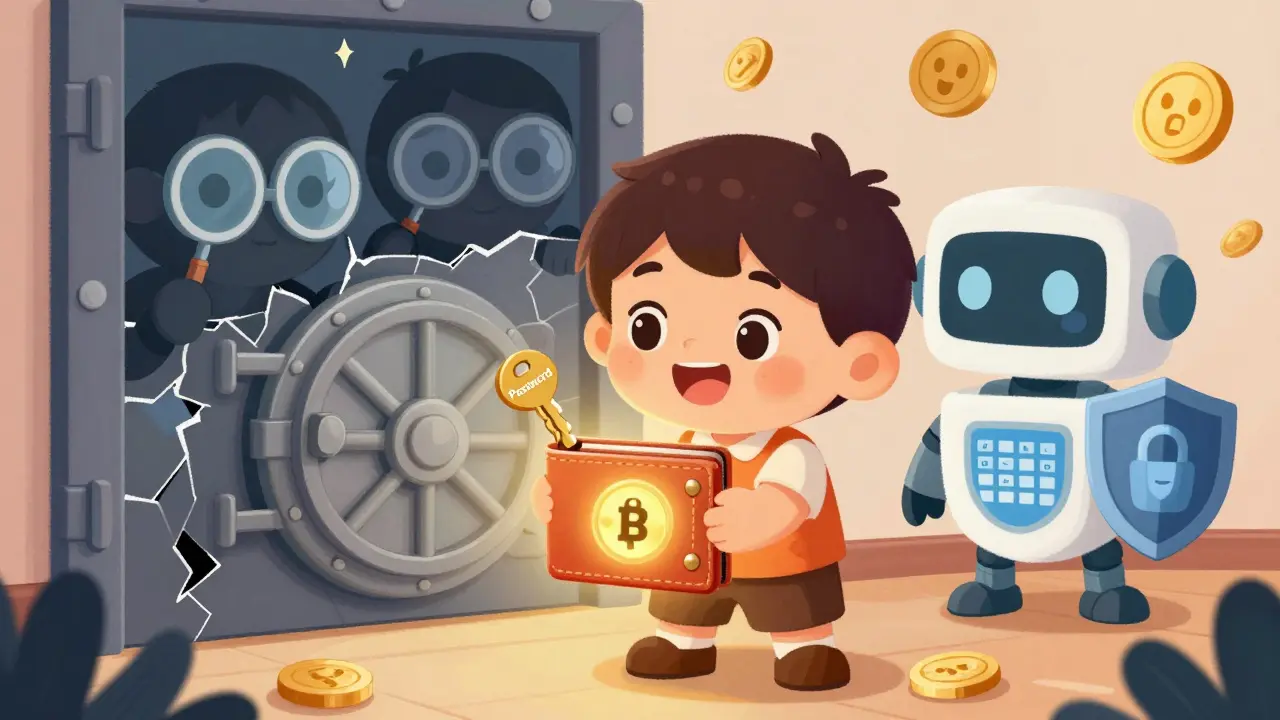
Imagine this: you wake up one morning and check your crypto wallet. All your Bitcoin, Ethereum, and altcoins are gone. No warning. No refund. Just empty. That’s not a movie plot-it’s what happens when someone skips 2FA for cryptocurrency accounts. It’s not a luxury. It’s the bare minimum you need to keep your money safe.
What Exactly Is 2FA for Crypto?
Two-Factor Authentication, or 2FA, is a security system that asks for two different types of proof before letting you into your crypto account. Think of it like a bank vault that needs both a key and a fingerprint. One part is something you know-your password. The other is something you have-like a code from your phone or a physical key.Most crypto platforms use a version called TOTP-Time-Based One-Time Password. That means every 30 seconds, your phone generates a new 6-digit code. Even if someone steals your password, they can’t log in without that code. And no, they can’t guess it. It changes too fast.
This isn’t just for big exchanges like Coinbase or Binance. It’s for every wallet, NFT marketplace, and DeFi platform where you hold value. If you’re not using 2FA, you’re basically leaving your front door open with the key taped under the mat.
How 2FA Works in Practice
Setting it up takes less than five minutes. Here’s how it actually works:
- Go to your crypto exchange or wallet’s security settings.
- Turn on 2FA. You’ll see a QR code.
- Open Google Authenticator, Authy, or another authenticator app on your phone.
- Scan the QR code. Your phone now syncs with your account.
- Enter the 6-digit code it shows to confirm.
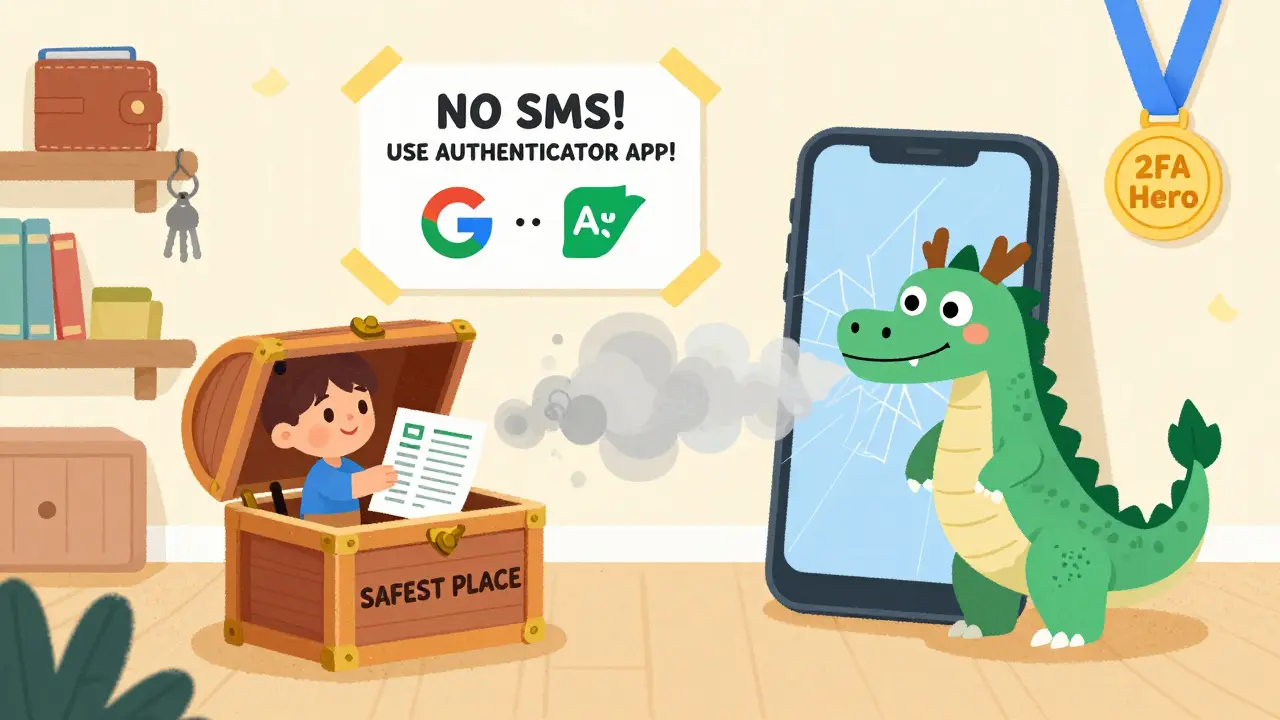
- Save the backup codes. Seriously. Write them down. On paper. In a safe place.
That’s it. From now on, every login, withdrawal, or trade asks for your password and that code from your phone.
Some platforms, like Crypto.com’s NFT section, lock withdrawals for 24 hours after you first enable 2FA. That’s not a bug-it’s a feature. It gives you time to catch any weird activity before someone drains your assets.
SMS 2FA vs. Authenticator Apps: Why One Is Dangerous
You might think: “Why not just use SMS? It’s easier.”
Don’t.
SMS-based 2FA is the weakest form you can use. Hackers use something called SIM swapping. They call your mobile provider, pretend to be you, and get your number transferred to a device they control. Suddenly, every text-password resets, 2FA codes, bank alerts-goes to them, not you.
Authenticator apps don’t rely on your phone number. They work offline. Even if your phone loses signal, the code still generates. No carrier, no hack. That’s why experts and serious crypto holders only use apps like Authy, Google Authenticator, or Raindrop.
And if you’re holding more than a few thousand dollars? Skip apps entirely. Use a hardware key like a YubiKey. Plug it into your computer. Tap it. Done. No codes. No phone. No SIM swap risk. It’s the gold standard.
Why 2FA Is Non-Negotiable in Crypto
Traditional banks can reverse fraud. Crypto can’t. Once you send Bitcoin to a scammer’s wallet? Gone forever. No chargeback. No help from customer service. That’s why prevention isn’t optional-it’s survival.
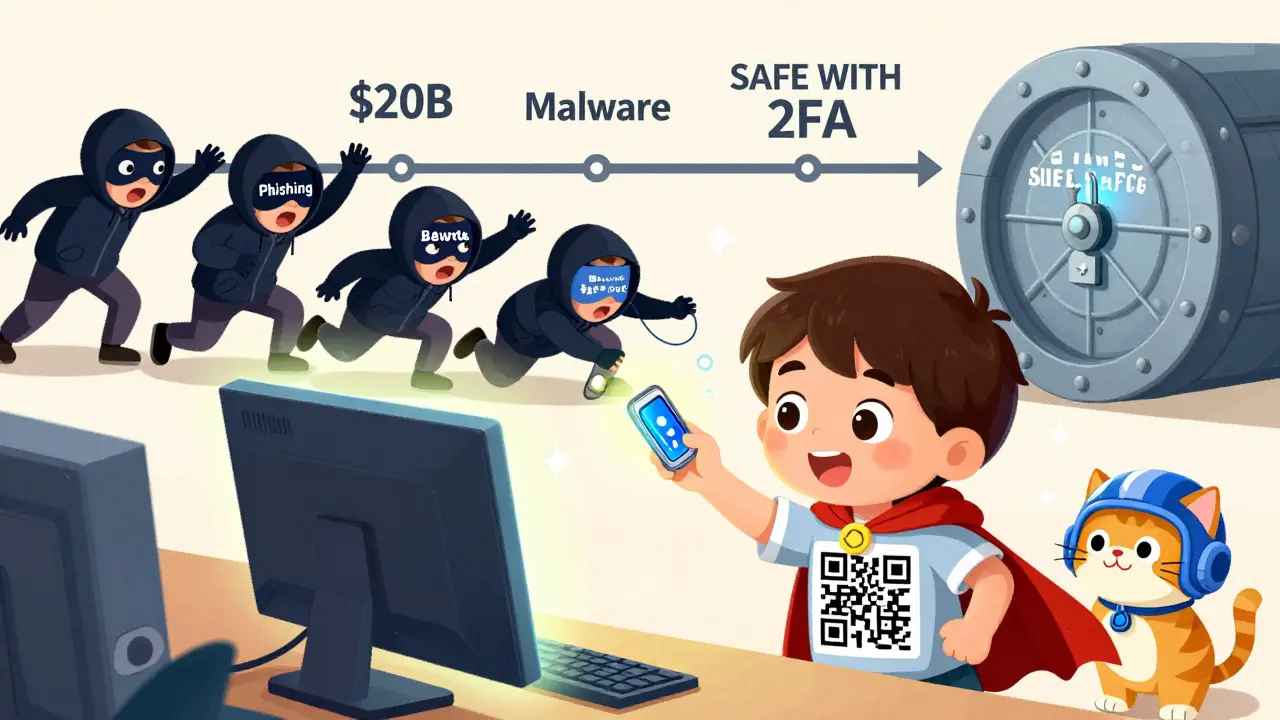
2FA stops:
- Phishing emails that trick you into typing your password on fake sites
- Malware that logs your keystrokes
- Brute-force attacks that guess weak passwords
- Insider threats or leaked credentials from data breaches
According to Chainalysis, over $20 billion in crypto was stolen between 2017 and 2023. Most of those thefts happened because victims didn’t use 2FA. The ones who did? Their accounts stayed locked tight.
Exchanges know this. That’s why platforms like Kraken, Gemini, and KuCoin now make 2FA mandatory for withdrawals above a certain amount. If you’re not using it, you can’t move your coins. Period.
Backup Codes: The Most Important Thing You’ll Ignore
You set up 2FA. You’re safe. Right?
Not if you lose your phone.
When you enable 2FA, the platform gives you a set of backup codes. Usually 10. Each one can be used once to log in if your authenticator app is gone. These aren’t suggestions. They’re lifelines.
People lose phones. Phones break. Apps get uninstalled. Cloud backups fail. If you didn’t save those codes offline, you’re locked out forever. No email. No support call. No recovery. Your crypto? Gone with it.
Write them down. On paper. Put them in a fireproof safe. Or lock them in a drawer with your will. Don’t screenshot them. Don’t store them in Notes. Don’t email them to yourself. If it’s digital, it can be hacked.
What Happens If You Get Locked Out?
Let’s say your phone dies. You forgot your backup codes. You’re panicking.
Most platforms have a recovery process. But it’s not instant. You’ll need to:
- Submit identity documents
- Answer security questions
- Wait days for manual review
And even then? There’s no guarantee. Platforms won’t reset your 2FA unless they’re 100% sure it’s you. That’s by design. If they made it easy, scammers would flood support with fake claims.
That’s why the best recovery plan isn’t waiting for help. It’s having your backup codes ready. Always.
Best Practices You Can’t Skip
Here’s what smart users do:
- Use an authenticator app-not SMS
- Store backup codes on paper, not digital
- Never share codes or recovery keys with anyone-not even “support”
- Update your authenticator app regularly
- Check your 2FA settings every few months to see if any unknown devices are linked
- Use a hardware key (YubiKey) if you hold serious amounts
- Enable 2FA on every crypto account, even small ones
One more thing: don’t use the same 2FA app across every platform. If one gets compromised, they could all be at risk. Use Authy for exchanges, Google Authenticator for wallets, and keep hardware keys for your biggest holdings.
2FA Isn’t Enough-But It’s the Start
2FA won’t protect you from a bad seed phrase or a phishing site that looks real. It won’t stop you from sending crypto to the wrong address. But it stops 90% of the automated, large-scale attacks that target everyday users.
Think of it like a seatbelt. It won’t save you in a head-on crash at 100 mph. But it’ll keep you alive in the 99% of crashes that happen because someone was distracted, careless, or just unlucky.
For crypto, 2FA is your seatbelt. Skip it, and you’re playing Russian roulette with your life’s savings. Turn it on. Save your codes. Don’t be the next headline.
Is 2FA really necessary for crypto wallets?
Yes. Without 2FA, anyone who gets your password-through a data leak, phishing, or malware-can steal your crypto. Blockchain transactions are irreversible, so once your coins are gone, they’re gone for good. 2FA adds a critical second layer that blocks most automated attacks.
Can I use SMS for 2FA on my crypto account?
Technically yes, but you shouldn’t. SMS is vulnerable to SIM-swapping attacks, where hackers trick your phone carrier into giving them control of your number. Authenticator apps like Authy or Google Authenticator generate codes offline and don’t rely on your phone number, making them far more secure.
What happens if I lose my phone with my 2FA app?
If you saved your backup codes, you can use one to log in and set up 2FA again on a new device. If you didn’t save them, you’ll need to contact customer support. Recovery can take days and requires strict identity verification. In some cases, you might permanently lose access-especially if you’re using a non-custodial wallet with no support team.
Are hardware security keys like YubiKey worth it?
If you hold more than $5,000 in crypto, absolutely. Hardware keys like YubiKey use FIDO U2F standards and require physical contact to authenticate. They’re immune to phishing, malware, and remote attacks. They’re the most secure option available for everyday users who want enterprise-level protection.
Should I use the same 2FA app for all my crypto accounts?
It’s safer to spread them out. If one app gets compromised (rare, but possible), having all your accounts tied to it puts everything at risk. Use Authy for exchanges, Google Authenticator for wallets, and a hardware key for your largest holdings. That way, a single failure won’t take down your whole portfolio.
Can 2FA be hacked?
It’s extremely hard to hack if done right. The most common failures come from users: using SMS, not saving backup codes, or sharing recovery keys. Authenticator apps and hardware keys have never been successfully hacked remotely. The vulnerability is always human error, not the technology.
Do I need 2FA for non-custodial wallets like MetaMask?
MetaMask itself doesn’t have 2FA because it’s a non-custodial wallet-you control everything. But you should enable 2FA on any exchange or service you use to buy or trade crypto before sending it to MetaMask. Your wallet’s security depends on how you access it, not the wallet itself.
How often should I check my 2FA settings?
Every 3 to 6 months. Log into each platform and check which devices are linked to your 2FA. Remove anything you don’t recognize. Also, verify your backup codes are still readable and stored safely. Security isn’t a one-time setup-it’s ongoing maintenance.


Dylan Morrison
January 26 20262FA is like putting a lock on your diary but still leaving the key under the mattress 🤦♀️ I used to think it was overkill until my buddy lost $8k because he skipped it. Now I use Authy + paper backup codes. No excuses. Your money deserves more than a wish and a prayer.